Introduction
When I started managing projects, I thought keeping everything in spreadsheets and long email threads would be enough. At first, it worked because the projects were small, and there were only a few people involved. As my workload grew, I realized that finding important files, tracking deadlines, and communicating with team members became more difficult than completing the actual work. That was the moment I understood the importance of project management software.
Since then, I have tried different project management tools for personal tasks, freelance work, and collaborative projects. Some were simple and easy to use, while others had so many features that I spent more time learning the software than managing the project itself. Through trial and error, I discovered that choosing the right project management software is not about selecting the most expensive or the most popular option. It is about finding the one that matches your workflow and helps your team stay productive.
In this article, I will share the lessons I learned while choosing project management software and explain the factors that truly matter before making a decision.
Understand Your Project Needs First
The biggest mistake I made in the beginning was looking at software before understanding my own requirements. Every tool looked impressive because each one advertised dozens of features. Eventually, I realized that features only matter if they solve your specific problems.
Before comparing software, I now ask myself a few important questions.
How many people will use the software?
Do I manage simple tasks or complex projects?
Will my clients need access?
Do I need time tracking?
Should the software store documents?
Do I need automation?
Answering these questions makes the selection process much easier because I know exactly what I am looking for.
A small freelance business has very different needs than a company managing hundreds of employees. Understanding your workflow should always be your first step.
Look for an Easy User Interface
One lesson I learned quickly is that complicated software rarely gets used consistently.
If team members struggle to understand the dashboard or cannot find their assigned tasks, they eventually stop using the system. Then everyone returns to emails and chat messages, which defeats the purpose of using project management software.
I always prefer software with a clean layout where tasks, deadlines, files, and conversations are easy to find.
Whenever I test a new platform, I ask myself one simple question.
Can I understand how it works within the first ten minutes?
If the answer is yes, it usually becomes a strong candidate.
An intuitive interface saves hours of training and reduces frustration across the entire team.
Make Sure Task Management Is Flexible
Every project is different.
Sometimes I only need a simple checklist. Other times I need multiple project stages, priorities, recurring tasks, and dependencies.
Good project management software should allow flexibility without becoming overwhelming.
The features I personally look for include task assignments, due dates, priority labels, recurring tasks, subtasks, attachments, and progress tracking.
Having all this information organized in one place helps everyone know exactly what they should be working on.
Instead of asking for updates throughout the day, I can simply check the project dashboard.
Collaboration Features Matter More Than You Think
I used to think project management software was mainly for creating task lists.
Over time, I realized communication is just as important.
Projects move faster when conversations happen directly inside tasks instead of getting lost in long email chains.
Whenever I choose software now, I make sure it includes comments, file sharing, mentions, notifications, and activity history.
This allows every discussion to stay connected with the actual task.
If someone joins the project later, they can easily understand previous decisions without asking everyone for explanations.
Consider Different Project Views
Different people prefer different ways of organizing work.
Some enjoy Kanban boards.
Others prefer calendars.
Many project managers like Gantt charts.
Personally, I switch between multiple views depending on the project.
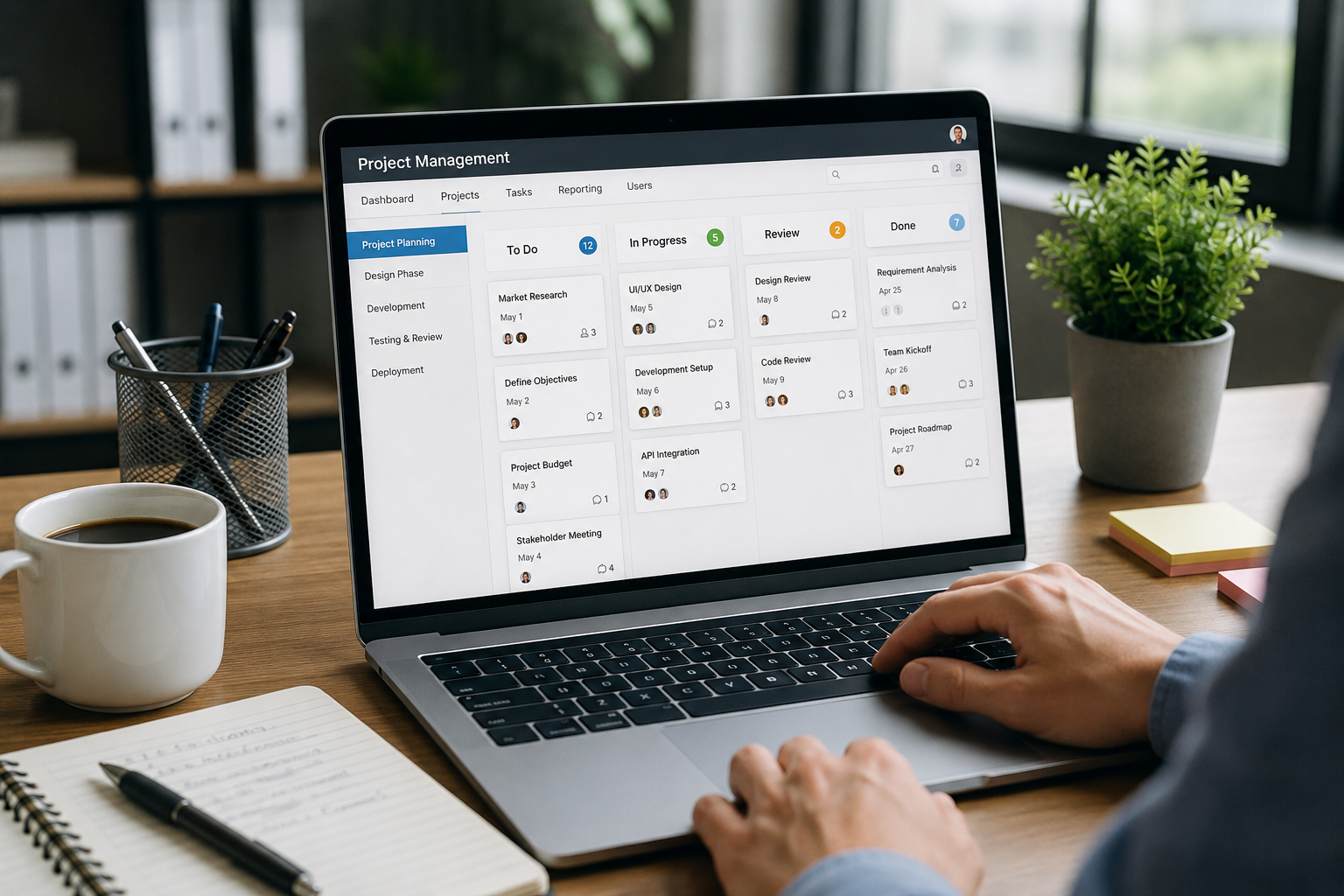
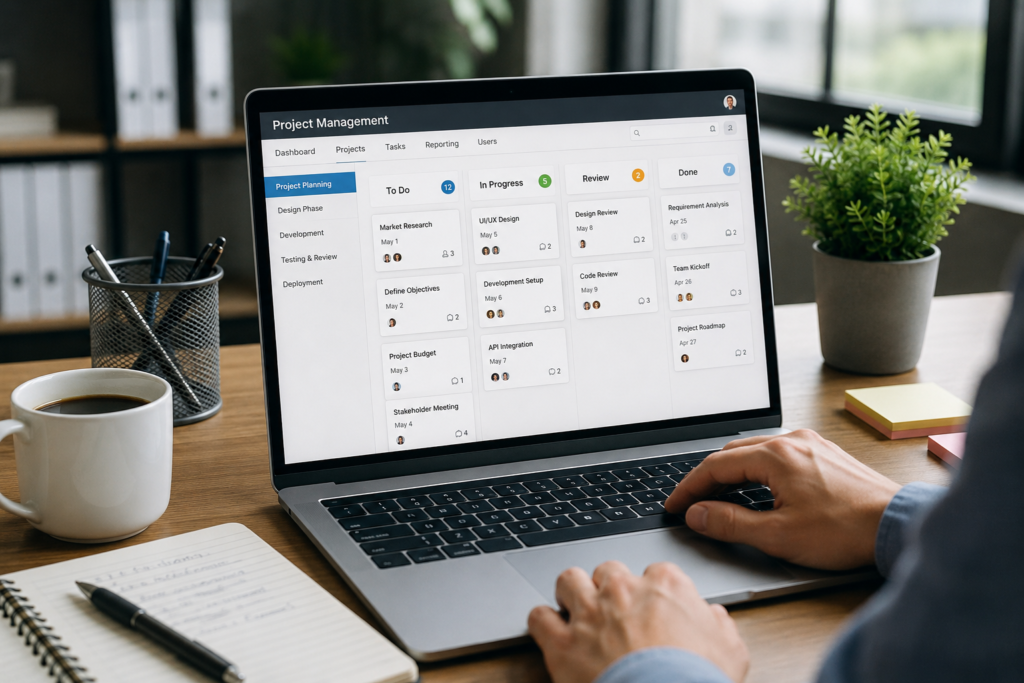
For content writing, I often use Kanban boards because they clearly show what is planned, in progress, under review, and completed.
When managing deadlines for multiple projects, calendar views become much more useful.
For larger projects involving several stages, timeline views help identify delays before they become serious problems.
Choosing software that offers multiple viewing options makes it easier for everyone to work comfortably.
Check Integration with Other Tools
One of the biggest productivity improvements I experienced came from connecting different applications together.
Instead of manually copying information between platforms, software integrations automate much of the work.
For example, I appreciate when project management software connects with email services, cloud storage, video meetings, messaging platforms, document editors, and accounting software.
These integrations reduce repetitive work and minimize human errors.
The fewer times I need to switch between applications, the more focused I remain throughout the day.
Mobile Access Is Extremely Helpful
I don’t always work from my desk.
Sometimes I need to check project updates while traveling or attending meetings.
A reliable mobile application allows me to review tasks, respond to comments, upload files, and update progress from anywhere.
I have noticed that teams respond faster when everyone can access projects from their phones as well as their computers.
Before selecting software, I always test the mobile version because some platforms provide excellent desktop experiences but weak mobile support.
Security Should Never Be Ignored
Project management software often stores sensitive business information.
This includes financial documents, client information, contracts, passwords, internal discussions, and confidential files.
Because of this, security should never be treated as an optional feature.
I always check whether the software offers secure encryption, two factor authentication, user permissions, regular backups, and activity logs.
Even if the software is easy to use, weak security could create serious problems later.
Protecting project information is just as important as managing tasks.
Think About Scalability
When I first started using project management software, I only managed a handful of projects.
As my work expanded, I needed additional users, larger storage limits, reporting features, and workflow automation.
Fortunately, the software I selected could grow with my business.
Choosing software that supports future growth saves both time and money.
Switching platforms after your company expands can become stressful because migrating projects, files, and user data is rarely simple.
It is always better to choose software that can handle future growth from the beginning.
Evaluate Reporting Features
One feature I underestimated initially was reporting.
As projects became larger, I wanted to know which tasks were delayed, how productive the team was, and where resources were being spent.
Good reporting tools provide valuable insights without requiring hours of manual calculations.
I regularly use reports to identify bottlenecks before they become major issues.
Instead of relying on assumptions, reports provide actual data that supports better decision making.
If your projects involve multiple people or clients, reporting becomes extremely valuable.
Automation Can Save Hours Every Week
One feature I have come to appreciate is workflow automation.
Many repetitive tasks happen during every project.
Assigning recurring work.
Sending reminders.
Updating task status.
Moving completed tasks.
Notifying team members.
Automation handles these routine activities automatically.
Although setting up automation requires a little effort initially, it saves countless hours over the long term.
I have found that even small automations make daily project management much smoother.
Compare Pricing Carefully
Price is important, but I have learned that the cheapest software is not always the most affordable.
Some platforms have low monthly costs but charge extra for storage, integrations, premium support, reporting, or automation.
Others appear expensive at first but include nearly every feature you need.
Whenever I compare pricing, I calculate the total monthly cost based on the number of users and the features my team actually requires.
This approach provides a much clearer comparison than simply looking at the advertised subscription price.
Take Advantage of Free Trials
I rarely purchase software without testing it first.
Most project management platforms offer free trials or free plans.
I use this opportunity to create a sample project and invite a few teammates.
During the trial period, I evaluate how quickly tasks can be created, whether notifications work properly, how files are shared, and whether the interface feels comfortable.
Real world testing often reveals strengths and weaknesses that product advertisements never mention.
Spending a week testing software can prevent months of frustration later.
Read Customer Reviews
Marketing pages always present software in the best possible light.
Customer reviews provide a more balanced perspective.
Whenever I research project management software, I read reviews from businesses similar to mine.
I pay close attention to comments about customer support, software reliability, regular updates, and long term usability.
If many users repeatedly mention the same issue, I take it seriously.
Reviews should not make the final decision, but they certainly help identify potential concerns before investing.
Customer Support Makes a Difference
Even the best software occasionally creates questions or technical problems.
When that happens, responsive customer support becomes incredibly valuable.
I have experienced situations where quick support solved issues within minutes, allowing projects to continue without delays.
Before selecting software, I check whether support is available through live chat, email, knowledge bases, or community forums.
Reliable support provides confidence, especially when managing important client projects.
Avoid Choosing Based Only on Popularity
One mistake many people make is selecting software simply because everyone else uses it.
Popularity does not guarantee it is the right solution.
I have tested well known platforms that felt unnecessarily complicated for my needs.
Meanwhile, some smaller tools provided exactly the features I required without unnecessary complexity.
The best software is the one that improves your workflow, not the one with the biggest advertising campaign.
Always focus on your actual requirements instead of following trends.
Involve Your Team Before Making the Final Decision
Project management software affects everyone involved in the project.
Because of this, I always ask team members for feedback before making a final decision.
Different people notice different strengths and weaknesses.
Designers may focus on file sharing.
Developers may prefer integrations.
Writers may value simple task organization.
Managers often prioritize reporting.
Collecting opinions from everyone helps ensure the selected software works well for the entire team instead of just one person.
Final Thoughts
Choosing the right project management software is not about finding the platform with the longest feature list. It is about selecting a tool that fits your workflow, supports collaboration, improves communication, and makes daily work easier.
From my own experience, taking time to evaluate your needs before choosing software saves countless hours later. A good project management system becomes more than just another application. It becomes the central place where projects stay organized, deadlines remain visible, and teams work together more efficiently.
Technology continues to evolve, and new project management tools appear every year. While features will continue to improve, the most important factor will always remain the same. Choose software that helps people work better together rather than making work more complicated.
When the right software fits naturally into your daily routine, project management becomes less stressful, productivity improves, and completing successful projects feels much more achievable.