Productivity has always been something I struggled with. There was a time when I would start my day with a long to do list, but by evening I realized that I had completed only a few tasks. I was constantly switching between notebooks, sticky notes, messaging apps, and random browser tabs. It felt like I was busy all day, but I was not actually making progress.
Everything started changing when I discovered a few free productivity apps. I did not spend any money, yet these tools completely changed the way I studied, worked, and managed my daily routine. Over time, I tested dozens of apps, deleted many of them, and kept only the ones that truly made my life easier.
If you are a student trying to stay organized or a professional handling multiple projects, you do not need expensive software. There are many excellent free apps that offer everything you need to stay productive. In this article, I will share the free productivity apps that have genuinely helped me become more organized and efficient.
Why Productivity Apps Matter
Before using productivity apps, I often forgot deadlines, misplaced important notes, and wasted time searching for files. I believed I simply needed better discipline, but I later realized that having the right tools makes a huge difference.
Productivity apps help organize your thoughts, remind you about important tasks, store documents safely, and improve collaboration with classmates or coworkers. Instead of relying on memory, you let the apps handle organization while you focus on completing your work.
The best part is that many of these apps offer generous free plans that are more than enough for most people.
Google Keep
Google Keep became my digital notebook almost instantly. Whenever I have an idea, I simply open the app and write it down within seconds.
I use it to create shopping lists, lecture notes, reminders, article ideas, and quick checklists. Since everything automatically syncs with my Google account, I can access my notes from my phone, laptop, or tablet.
One feature I particularly enjoy is color coding. I organize personal, academic, and work related notes using different colors, making everything easier to find.
For students, it works perfectly for recording lecture highlights or assignment reminders. Professionals can use it to capture meeting notes, project ideas, or daily tasks.
Microsoft To Do
Managing daily tasks became much easier after I started using Microsoft To Do.
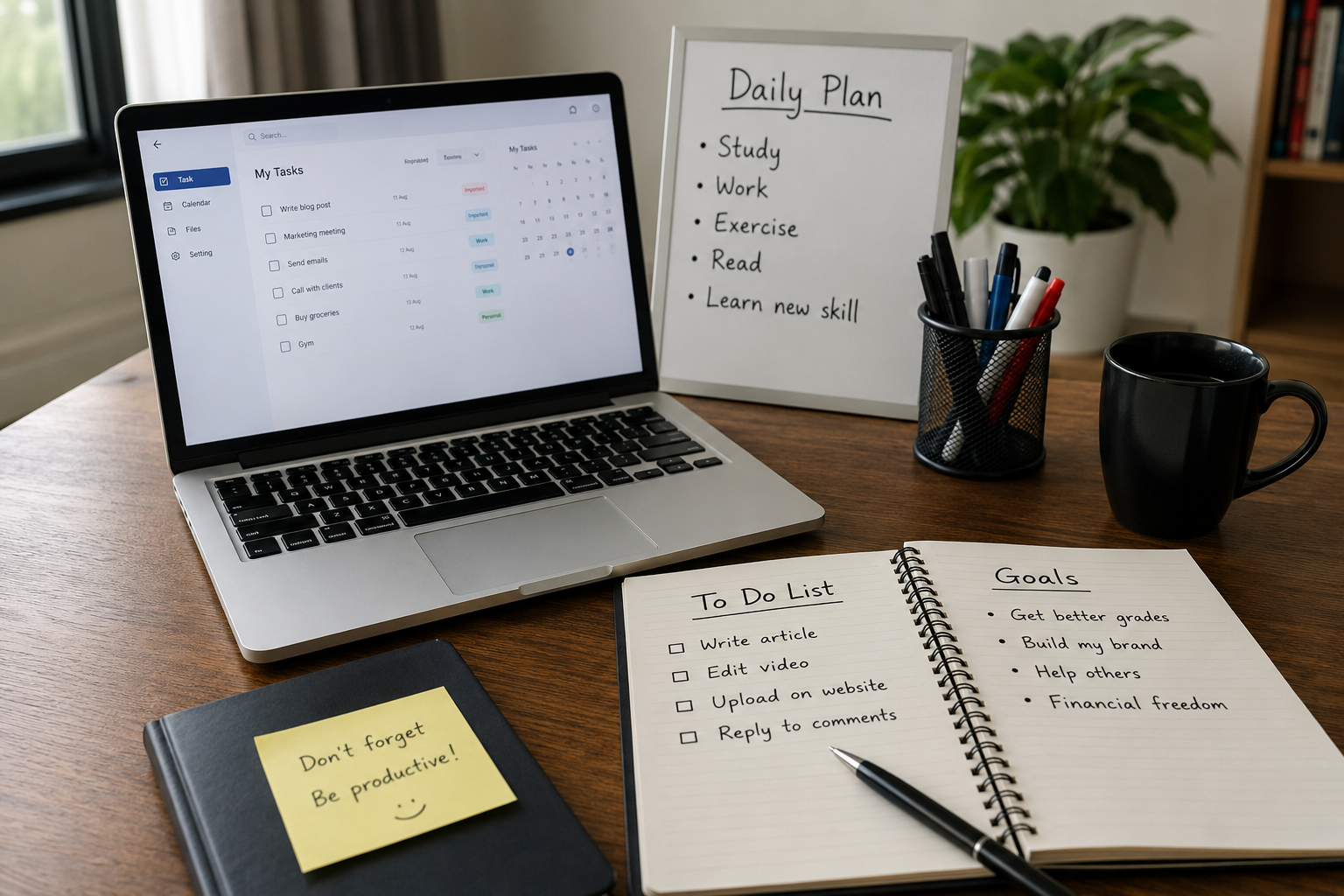
Every morning, I create a simple task list for the day. As I finish each task, I mark it as complete. Watching the completed list grow gives me a satisfying sense of progress and motivates me to continue working.
The app allows you to create different lists for work, school, personal goals, or shopping. You can also add deadlines, reminders, and recurring tasks.
The free version provides more than enough features for anyone looking to stay organized without feeling overwhelmed.
Notion
Notion is probably one of the most flexible productivity apps I have ever used.
At first, it looked confusing because it offers so many possibilities. After spending a little time learning it, I realized why millions of people love it.
I use Notion to manage article ideas, project planning, reading lists, weekly schedules, and personal goals. Everything stays in one organized workspace.
Students can create study planners, class notes, revision schedules, and assignment trackers. Professionals can organize projects, meeting notes, client information, and team documentation.
The free version includes plenty of features that are sufficient for individual users.
Google Calendar
One lesson I learned is that remembering appointments is much harder than scheduling them.
Google Calendar became my personal assistant. I enter important deadlines, online meetings, birthdays, exams, and project milestones.
Whenever something important is approaching, the app sends reminders so I never forget.
I especially like using different colors for different activities. Blue represents work, green is for personal plans, and yellow is for learning. One quick glance at the calendar shows exactly how my week looks.
This simple habit has reduced missed deadlines significantly.
Trello
Whenever I work on larger projects, Trello becomes my favorite planning tool.
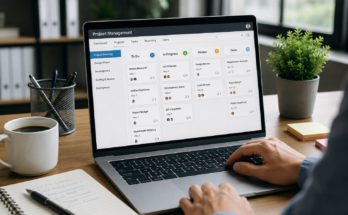
Instead of maintaining long text lists, Trello uses visual boards. I create columns such as To Do, In Progress, and Completed.
Every task becomes a card that I can move from one column to another. Watching tasks move toward completion feels surprisingly motivating.
Students can use Trello for semester planning, group assignments, or exam preparation. Professionals can organize marketing campaigns, software projects, content calendars, and client work.
Its visual interface makes project management much less stressful.
Google Drive
Cloud storage completely changed the way I manage files.
Before using Google Drive, I constantly worried about losing documents if my laptop stopped working. Now every important file automatically stays backed up online.
I store assignments, resumes, presentations, spreadsheets, research papers, and personal documents.
Sharing files with classmates or coworkers is incredibly easy. Instead of sending multiple email attachments, I simply share one link.
The free storage offered by Google Drive is sufficient for most everyday users.
Grammarly
Writing is a huge part of both studying and professional work.
Even after proofreading my writing several times, I still missed grammar mistakes and awkward sentences. Grammarly became an excellent second pair of eyes.
The free version checks grammar, spelling, punctuation, and basic writing clarity.
Whether I am writing reports, emails, articles, or presentations, Grammarly helps make my writing look more professional.
Students benefit by improving assignments, while professionals can send polished emails and business documents.
Canva
I never considered myself a designer, but Canva made graphic design surprisingly simple.
Whenever I need a presentation, social media post, resume, poster, or infographic, Canva saves me hours of work.
Instead of starting from a blank page, I choose one of the many templates and customize it according to my needs.
Students can design class presentations, project posters, and certificates. Professionals can create business presentations, marketing graphics, and promotional materials.
The free version includes thousands of high quality templates.
Forest
Staying focused is becoming increasingly difficult because our phones constantly demand attention.
Forest introduced a fun approach to concentration.
When I start studying or working, I plant a virtual tree. As long as I stay focused, the tree continues growing. If I leave the app to check social media, the tree dies.
It sounds simple, but it surprisingly encourages me to avoid unnecessary distractions.
My study sessions became longer, and I noticed that I finished important work much faster.
Zoom
Although many video conferencing apps exist, Zoom remains one of the easiest free communication tools.
I use it for online classes, virtual meetings, interviews, and discussions with clients.
The video quality is generally reliable, and screen sharing makes presentations much easier.
For students attending online lectures or professionals working remotely, Zoom remains an excellent free option.
Slack
Communication can become messy when conversations are spread across emails, messaging apps, and phone calls.
Slack organizes discussions into channels, making collaboration much more efficient.
Different channels can represent different teams or projects, allowing everyone to find relevant information quickly.
The free plan works well for small teams, study groups, and startup businesses.
Evernote
Although I primarily use Google Keep for quick notes, Evernote remains excellent for detailed note taking.
It supports images, attachments, formatted text, and organized notebooks.
Students can build entire course notebooks, while professionals can store meeting minutes, research materials, and reference documents.
Its search functionality also makes finding old notes incredibly easy.
Clockify
One habit that improved my productivity was tracking how I actually spent my time.
Clockify allows me to start a timer whenever I begin working on a task.
After a few weeks, I realized I was spending far more time on distractions than I had imagined.
Seeing the numbers motivated me to improve my work habits.
Freelancers, students, and professionals can all benefit from understanding where their time goes each day.
Todoist
Todoist is another excellent task management app.
I enjoy its clean design and straightforward interface.
Creating projects, assigning priorities, and setting deadlines takes only a few seconds.
The satisfaction of checking completed tasks motivates me to continue working without feeling overwhelmed.
Even the free version offers enough functionality for managing daily responsibilities.
My Favorite Productivity Combination
After trying many different apps, I realized that using too many tools creates unnecessary complexity.
Today, I mainly rely on a simple combination.
Google Calendar manages my schedule.
Notion stores my projects and long term plans.
Google Keep captures quick ideas.
Google Drive stores important files.
Grammarly improves my writing.
Forest helps me stay focused.
This setup covers almost everything I need without becoming complicated.
Tips for Getting the Most Out of Productivity Apps
Installing productivity apps alone will not make anyone more productive. I learned that consistency matters much more than downloading dozens of tools.
Choose only a few apps that fit your daily routine. Spend time learning their features instead of constantly switching to new alternatives.
Review your tasks every morning before starting work. Set realistic goals instead of creating impossible schedules. Organize your files properly and delete unnecessary information regularly.
Turn on reminders for important deadlines, but avoid enabling every notification because constant alerts can become distracting.
Finally, remember that productivity apps are meant to support your habits rather than replace them.
Final Thoughts
After experimenting with many productivity tools over the years, I realized that the best app is not necessarily the one with the most features. The best app is the one you actually use every day.
Students need tools that simplify studying, organize assignments, and improve focus. Professionals need apps that make collaboration easier, manage projects efficiently, and save valuable time. Fortunately, many of the best solutions are completely free.
If I were recommending only a handful of apps to someone starting today, I would suggest Google Calendar, Notion, Google Keep, Google Drive, Grammarly, and Trello. Together, these apps cover scheduling, note taking, file storage, writing improvement, and project management without costing anything.
Productivity is not about working longer hours. It is about working smarter, staying organized, and focusing on what truly matters. These free apps have helped me achieve exactly that, and I believe they can do the same for anyone willing to use them consistently.