Introduction
When I first started spending more time online, I honestly believed that cybersecurity was something only large companies or professional hackers cared about. I thought using a simple password and installing an antivirus program was enough. After reading about online scams, data breaches, and people losing access to their personal accounts, I realized that every internet user has something worth protecting.
Today, we use the internet for shopping, banking, social media, work, and communication. Almost every part of our daily lives depends on digital devices. That also means cybercriminals have more opportunities than ever to target regular people. The good news is that staying safe online does not require advanced technical knowledge. Small habits can make a huge difference.
In this article, I want to share the cybersecurity practices that have helped me stay safe online. These are simple, practical tips that every beginner can follow without feeling overwhelmed.
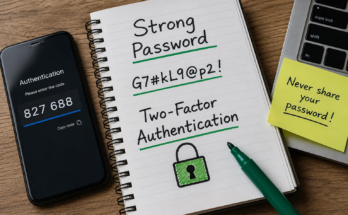
1. Create Strong and Unique Passwords
The first lesson I learned was that passwords are the first line of defense. Years ago, I used the same password for several websites because it was easy to remember. Looking back, I realize how risky that was. If one account gets hacked, every other account using the same password becomes vulnerable.
Now I create a unique password for every important account. A strong password should include uppercase letters, lowercase letters, numbers, and special characters. It should also be long enough to make guessing difficult.
Instead of choosing something simple like “password123,” I create phrases that are meaningful only to me. This makes them easier to remember while still being difficult for attackers to crack.
Using a password manager has also made my life much easier. It stores my passwords securely so I no longer need to remember dozens of different combinations.
2. Enable Two Factor Authentication
One of the smartest security decisions I ever made was enabling two factor authentication on my important accounts.
This extra layer of security requires more than just a password. After entering the password, I also need to verify my identity using a code sent to my phone or generated by an authentication app.
Even if someone somehow learns my password, they still cannot access my account without the second verification step.
Most major websites, including email providers, banking apps, and social media platforms, offer this feature. It only takes a few minutes to activate, but it significantly improves account security.
3. Be Careful with Suspicious Emails
Email scams have become incredibly convincing. I remember receiving an email that looked exactly like it came from a well known company. The logo, colors, and formatting all appeared genuine.
Fortunately, I noticed the sender’s email address looked unusual. That small detail saved me from clicking a fake link.
Now I never trust an email simply because it looks professional. Before opening attachments or clicking links, I always check the sender’s address carefully.
If an email claims there is an urgent problem with my account, I never use the provided link. Instead, I visit the company’s official website directly through my browser.
Taking a few extra seconds to verify an email can prevent identity theft and financial loss.
4. Keep Your Devices Updated
I used to postpone software updates because I thought they were annoying. I would click “Remind Me Later” over and over again.
Eventually I learned that many updates contain important security fixes. Cybercriminals often search for known software vulnerabilities. If my computer or phone is not updated, it becomes an easier target.
Now I enable automatic updates whenever possible. My operating system, browser, antivirus software, and mobile apps all stay current without requiring much effort.
Regular updates improve not only security but also overall performance and stability.
5. Download Software Only from Trusted Sources
One mistake many beginners make is downloading free software from random websites.
I learned that unofficial downloads can contain hidden malware, spyware, or unwanted programs. What looks like a useful application may secretly collect personal information or damage your device.
These days I only download software from official company websites or trusted app stores.
Before installing anything, I also read reviews and check whether the developer is legitimate.
A few minutes of research can save hours of frustration later.
6. Use Secure WiFi Connections
Public WiFi networks are convenient, especially in airports, hotels, restaurants, and coffee shops. However, I never assume they are completely secure.
Whenever I connect to public WiFi, I avoid logging into banking websites or entering sensitive personal information.
If I absolutely need to access important accounts, I use a trusted Virtual Private Network, commonly called a VPN. A VPN encrypts internet traffic and makes it much harder for attackers to intercept my data.
At home, I always protect my WiFi network with a strong password and change the default router password that comes from the manufacturer.
Securing my home network gives me greater peace of mind every day.
7. Think Before Clicking Links
One habit that has protected me countless times is simply slowing down before clicking.
Scammers often create fake websites that look nearly identical to legitimate ones. Their goal is to trick users into entering passwords or payment information.
Whenever I receive a link through email, text message, or social media, I pause for a moment.
I carefully inspect the website address before opening it. If something looks unusual, even a small spelling mistake, I avoid it.
This simple habit has helped me avoid phishing attacks on multiple occasions.
8. Back Up Your Important Files
Losing valuable files can be just as painful as having personal information stolen.
Photos, documents, work projects, and personal memories deserve protection.
I regularly back up my files to an external hard drive and also keep copies in a trusted cloud storage service.
If my computer ever becomes infected with ransomware or suffers a hardware failure, I know my important files can still be recovered.
Creating backups may seem unnecessary until the day they become absolutely essential.
9. Limit the Personal Information You Share Online
Social media makes it easy to share every part of our lives. I used to post birthdays, travel plans, locations, and personal details without thinking much about it.
Over time I realized that cybercriminals often gather information from social media profiles.
Details such as birthdays, pet names, schools, and hometowns can sometimes help attackers guess passwords or answer security questions.
Now I am much more selective about what I post publicly.
I also review my privacy settings regularly to control who can see my personal information.
Sharing less online reduces unnecessary risks.
10. Learn About New Cybersecurity Threats
Cybersecurity is constantly changing.
New scams appear almost every week. Criminals continue finding creative ways to trick people into revealing sensitive information.
Instead of assuming I already know enough, I spend a little time every month reading about the latest online threats.
The more I learn, the easier it becomes to recognize suspicious behavior before it becomes a problem.
Cybersecurity is not about becoming an expert overnight. It is about developing awareness and making better decisions every day.
Common Cybersecurity Mistakes Beginners Make
When I look back at my early internet habits, I realize I made many common mistakes.
I reused passwords.
I ignored software updates.
I clicked links without checking them.
I connected to public WiFi without thinking about security.
I assumed every professional looking email was legitimate.
Fortunately, I learned from those mistakes before experiencing serious consequences.
Every beginner will make errors at some point. The important thing is to recognize them and improve your habits over time.
Why Cybersecurity Matters More Than Ever
The internet has become an essential part of modern life.
We store family photos, financial records, work documents, and personal conversations on our devices.
If these accounts are compromised, the impact can be stressful, expensive, and emotionally draining.
Cybersecurity is no longer only an IT concern. It is a life skill that everyone should understand.
The better we protect ourselves today, the less likely we are to become victims tomorrow.
Final Thoughts
When I first started learning about cybersecurity, I expected it to be complicated and highly technical. Instead, I discovered that the most effective protection comes from simple daily habits.
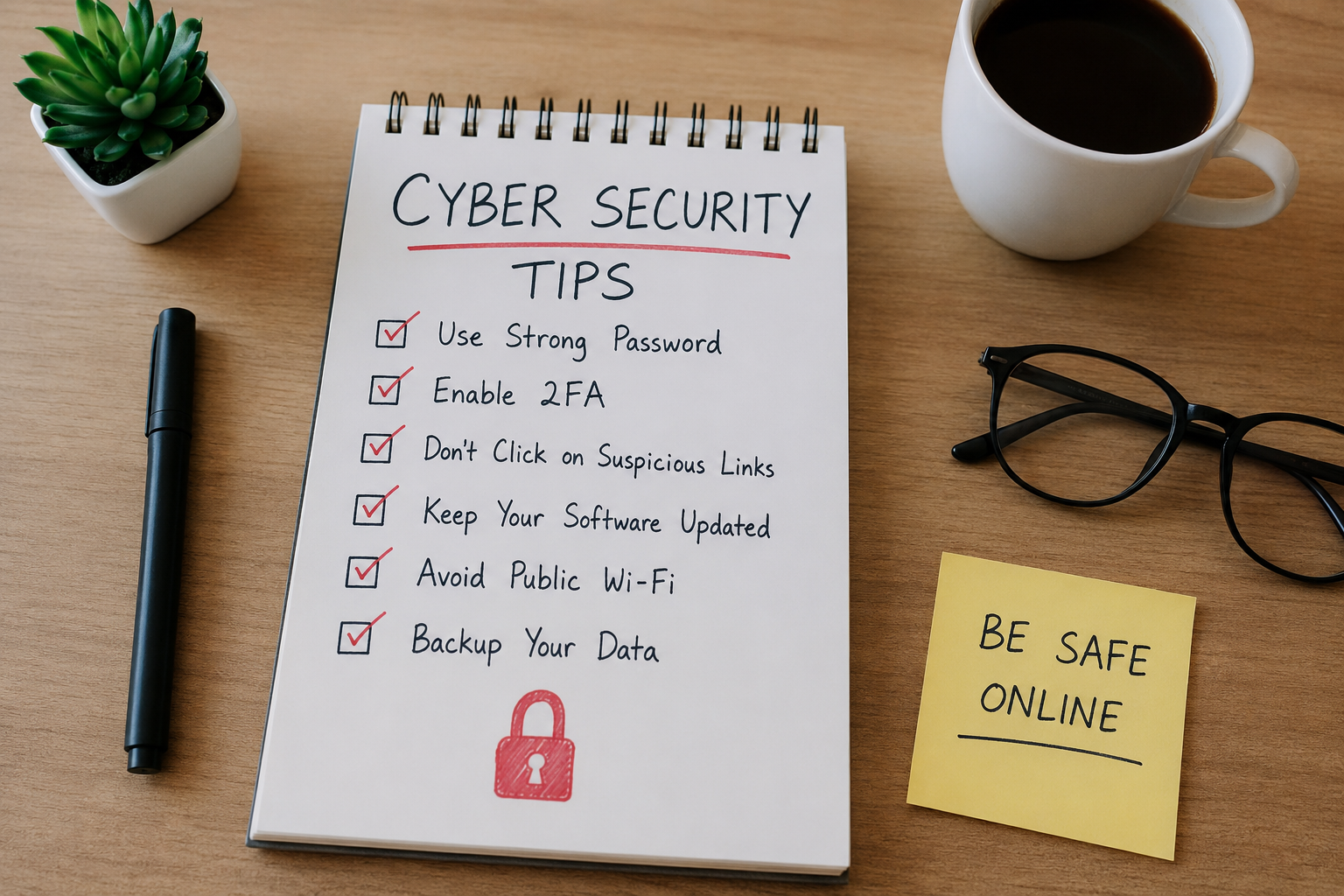
Creating strong passwords, enabling two factor authentication, keeping software updated, avoiding suspicious links, and backing up important files have become part of my normal routine.
These habits do not take much time, yet they provide valuable protection against many common online threats.
If you are just beginning your cybersecurity journey, do not feel pressured to learn everything at once. Start with one tip, make it a habit, then move on to the next. Small improvements made consistently are far more effective than trying to change everything overnight.
The internet offers incredible opportunities for learning, communication, and business. By practicing smart cybersecurity habits, you can enjoy those opportunities with greater confidence and peace of mind.