Introduction
I still remember the day one of my close friends told me that his social media account had been hacked. At first, he thought it was just a technical problem, but later he realized someone had guessed his password and taken complete control of his account. He lost years of photos, personal messages, and even had to explain to his friends that the strange messages they received were not from him. That incident completely changed the way I think about online security.
Today, almost every part of our lives exists online. We use digital accounts for banking, shopping, education, healthcare, work, and entertainment. Every account contains valuable personal information that cybercriminals would love to steal. The first line of defense is a strong password, but even the strongest password can sometimes be compromised. That is where Multi Factor Authentication becomes incredibly valuable.
After learning more about online security and improving my own habits, I realized that protecting digital accounts is not as difficult as many people think. It simply requires a few smart decisions and consistent habits. In this article, I want to share why strong passwords and Multi Factor Authentication are so important and how these simple security practices can protect your personal information.
Why Password Security Matters
Many people underestimate the value of their online accounts. They often think hackers only target famous people or wealthy businesses. In reality, cybercriminals target anyone because every account has value.
An email account can provide access to password reset links for dozens of other websites. A shopping account may contain saved payment information. Social media accounts can be used to scam friends and family. Even a simple gaming account may contain valuable purchases.
I learned that hackers rarely attack one specific person. Instead, they use automated software that tries millions of usernames and passwords every day. If your password is weak, your account can become an easy target within seconds.
That realization made me understand that password security is not optional anymore. It is an essential part of living safely in today’s digital world.
What Makes a Password Weak
Before improving my own passwords, I used many of the same mistakes that millions of people still make today.
Some of the most common weak passwords include names, birthdays, favorite sports teams, simple number combinations, and common words. Passwords like “123456,” “password,” or “qwerty” are still surprisingly common.
The biggest mistake I made was reusing the same password across multiple websites. It felt convenient because I only had to remember one password, but I later realized how dangerous that habit was.
If just one website suffers a data breach, hackers often try those same login details on banking websites, email accounts, and social media platforms. This technique is called credential stuffing, and it succeeds because so many people reuse passwords.
Once I understood this risk, I immediately started replacing old passwords with unique ones for every important account.
Characteristics of a Strong Password
Creating a strong password does not necessarily mean making it impossible to remember.
A good password should be long before anything else. Length provides significant protection against brute force attacks. I now try to create passwords with at least sixteen characters whenever possible.
Strong passwords should also include a combination of uppercase letters, lowercase letters, numbers, and special symbols. More importantly, they should avoid predictable words and personal information.
Instead of using a single word, I prefer creating passphrases made from random words mixed with numbers and symbols. These are easier to remember but much harder for attackers to guess.
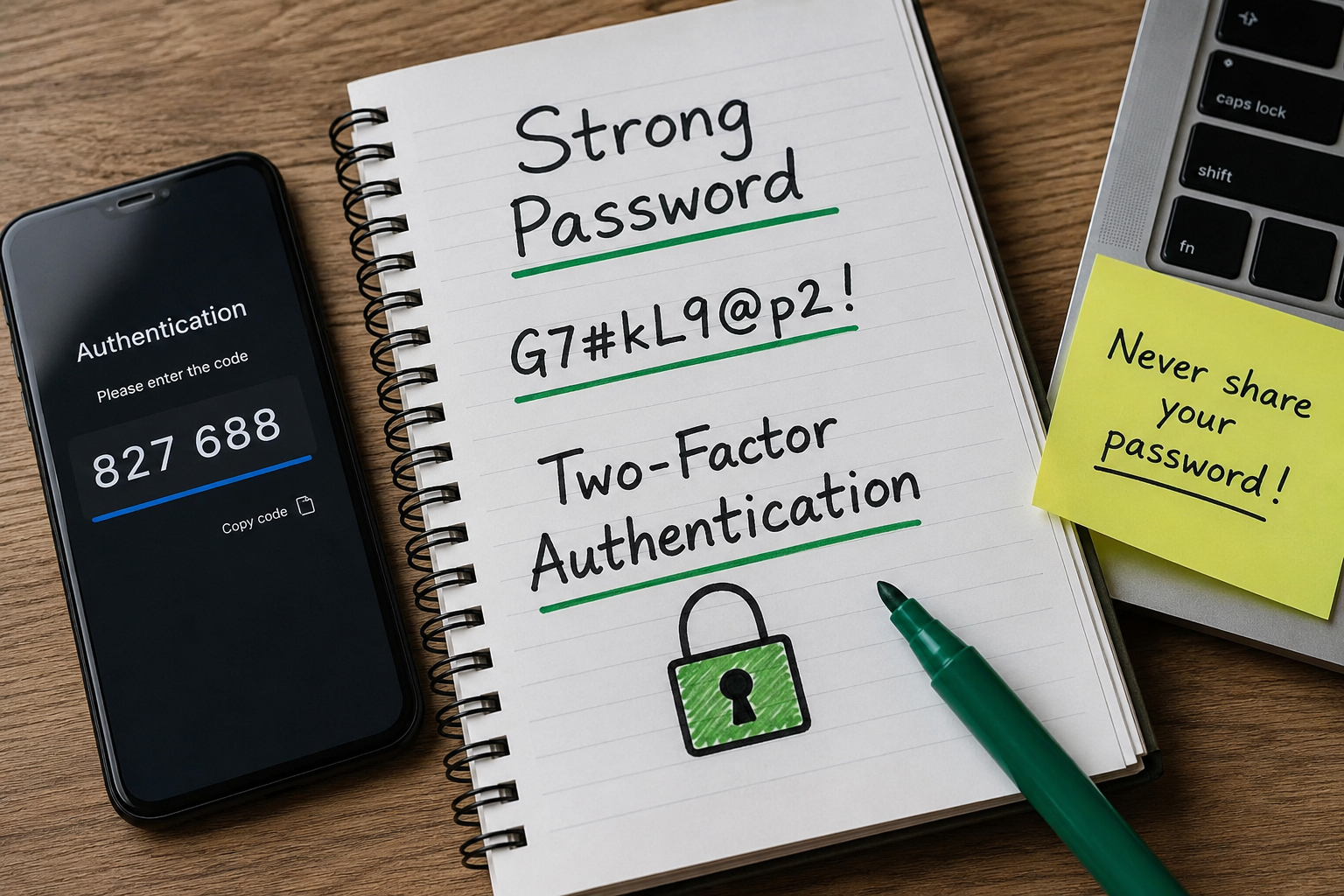
For example, a password like “BlueCoffeeRiverSunshine82!” is much stronger than “Kevin123.”
The goal is to make the password unpredictable while keeping it memorable for yourself.
Why Every Account Needs a Different Password
This lesson completely changed my online security.
At first, creating different passwords for every website sounded impossible. I worried that I would never remember them all.
However, I realized that using the same password everywhere creates a chain reaction. One compromised account can lead to every other account being stolen.
Imagine someone gaining access to your email account. From there, they could request password resets for your online banking, shopping accounts, cloud storage, and social media profiles.
Using unique passwords breaks this chain. Even if one website is hacked, the damage remains limited because your other accounts use different passwords.
Today I never reuse passwords, especially for email, banking, and work related accounts.
The Role of Password Managers
One of the best decisions I made was starting to use a password manager.
Initially, I was skeptical because storing all my passwords in one place sounded risky. After researching how password managers work, I discovered they use strong encryption to protect stored information.
Now I only need to remember one master password while the password manager creates long and random passwords for every website.
It also automatically fills login forms, which saves time and reduces typing mistakes.
Using a password manager eliminated the temptation to reuse passwords because generating a new one takes only a few seconds.
For anyone struggling to remember dozens of passwords, I honestly believe a password manager is one of the most practical security tools available.
What Is Multi Factor Authentication
A password alone represents one layer of security.
Multi Factor Authentication adds another independent layer before someone can access your account.
Instead of relying only on something you know, which is your password, it also requires something you have, such as your phone, or something you are, such as your fingerprint or facial recognition.
Even if someone somehow discovers your password, they still cannot log in without completing the second verification step.
When I first enabled Multi Factor Authentication, I thought it might become annoying. Surprisingly, the extra verification usually takes only a few seconds, and the added protection is well worth it.
Different Types of Multi Factor Authentication
Not every Multi Factor Authentication method provides the same level of security.
Text message verification is one of the most common options. After entering the password, a temporary code is sent to your mobile phone.
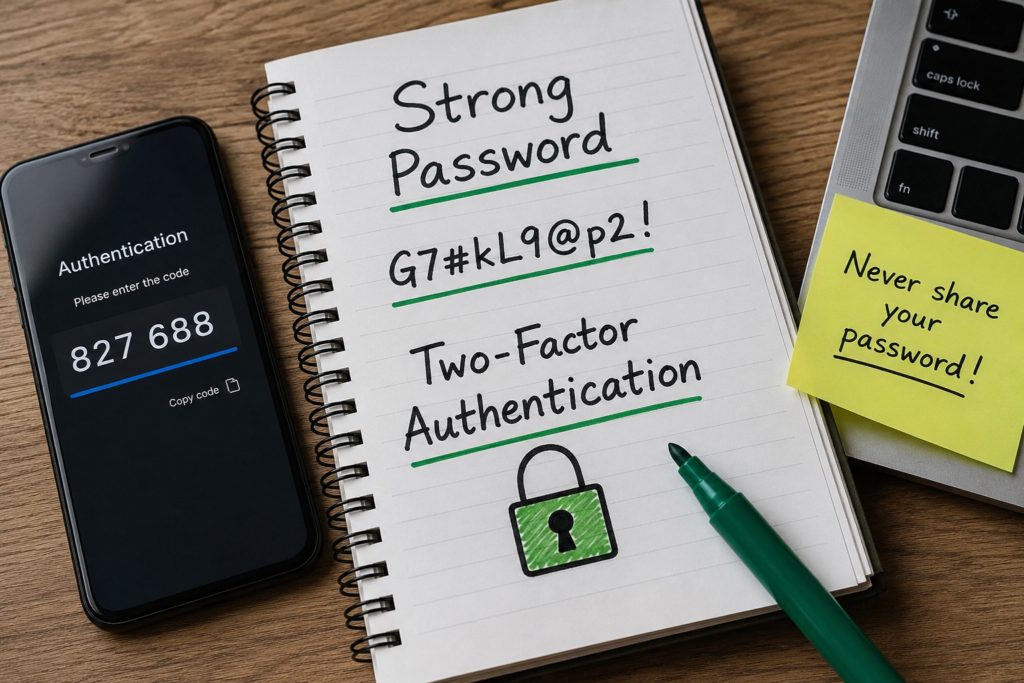
Authentication apps provide another excellent option. These apps generate changing security codes every few seconds without relying on text messages.
Hardware security keys are considered among the strongest authentication methods. They require a physical device to complete the login process.
Many modern devices also support biometric authentication using fingerprints or facial recognition.
Personally, I prefer authentication apps because they are convenient, fast, and generally more secure than text message verification.
How Multi Factor Authentication Stops Hackers
One of the biggest reasons I recommend Multi Factor Authentication is because it dramatically reduces the chances of unauthorized access.
Imagine a hacker somehow obtains your password through a phishing email or a leaked database.
Without Multi Factor Authentication, they could immediately log into your account.
With Multi Factor Authentication enabled, they would still need access to your authentication app, security key, or phone before they could continue.
In many cases, this additional requirement completely blocks the attack.
Even professional hackers often abandon targets protected by multiple security layers because attacking easier victims requires far less effort.
Common Password Mistakes I Avoid Today
Looking back, I realize how many poor habits I once had.
I no longer save passwords in unprotected text files.
I never share passwords through messaging applications.
I avoid using public computers whenever possible for sensitive accounts.
I always log out from shared devices.
I regularly review my important accounts for suspicious login activity.
These habits have become part of my routine, and they require very little extra effort.
Recognizing Phishing Attempts
Strong passwords and Multi Factor Authentication cannot fully protect you if you willingly give your login details to criminals.
Phishing attacks are designed to trick users into entering passwords on fake websites.
I have received emails pretending to be from banks, delivery companies, streaming services, and social media platforms. Many of them looked surprisingly convincing.
Before clicking any login link, I always check the website address carefully.
If something feels unusual, I visit the official website directly instead of clicking the email link.
This simple habit has probably saved me from multiple phishing attempts over the years.
Protecting Business and Work Accounts
Password security becomes even more important in the workplace.
Many companies store confidential customer information, financial records, and business documents online.
One employee using a weak password can accidentally expose an entire organization to serious cyberattacks.
Many businesses now require employees to use password managers, Multi Factor Authentication, and regular security awareness training.
From my experience, these policies are not unnecessary obstacles. They exist because the consequences of compromised business accounts can be extremely expensive.
Teaching Family Members About Online Security
One thing I have learned is that cybersecurity is not only about protecting myself.
I have helped my parents create stronger passwords and enable Multi Factor Authentication on their important accounts.
At first, they found it confusing, but after practicing together, it quickly became part of their routine.
Helping family members understand online security gives me peace of mind because older adults and inexperienced users are often targeted by scammers.
A few minutes of education today can prevent major problems in the future.
Building Better Security Habits
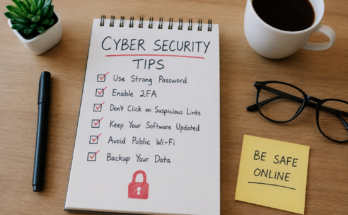
Online security is not achieved through one single action.
Instead, it is built through consistent habits practiced over time.
I regularly update passwords for my most important accounts.
I enable Multi Factor Authentication whenever websites offer it.
I avoid clicking suspicious links.
I keep my software updated.
I back up important files in case something unexpected happens.
These habits work together to create multiple layers of protection.
Cybersecurity is much like locking your home. A strong front door helps, but additional locks, alarms, and careful habits provide even greater protection.
Conclusion
Strong passwords and Multi Factor Authentication have become essential tools for protecting our digital lives. Every online account contains information that deserves proper security, whether it is an email address, a bank account, or a social media profile.
From my own experience, improving password habits was one of the simplest changes I made, yet it had one of the biggest impacts on my online safety. Creating unique passwords, using a password manager, enabling Multi Factor Authentication, and staying alert for phishing attempts have given me far greater confidence whenever I use the internet.
No security system is completely perfect, but combining strong passwords with Multi Factor Authentication makes it significantly harder for cybercriminals to succeed. As technology continues to evolve, protecting our digital identities will become even more important.
Taking a few extra minutes today to strengthen your account security can save countless hours of stress, financial loss, and frustration in the future. Small actions truly make a big difference, and every secure account starts with one strong password and one additional layer of protection.