Introduction
I still remember the first time I realized how much personal information I had shared online without even thinking about it. I had signed up for dozens of websites, connected social media accounts to different apps, reused the same password everywhere, and clicked “Accept” on every privacy policy without reading a single line. At that time, I believed only famous people or big companies needed to worry about cybersecurity. I was completely wrong.
Over the years, I learned that every internet user is a potential target. It does not matter whether you are a student, freelancer, business owner, or someone who simply enjoys browsing the web. Your personal information has value. Hackers, scammers, and even some companies are constantly collecting data for different purposes. Once I understood this, I started changing my online habits little by little.
Today, protecting personal data online has become one of the most important digital skills anyone can learn. The good news is that you do not need to be a cybersecurity expert. Small and consistent habits can make a huge difference. In this article, I want to share the practical lessons I have learned through experience so you can protect your personal information and browse the internet with greater confidence.
Why Personal Data Matters
Many people think personal data only includes bank account numbers or credit card information. In reality, it is much more than that. Your email address, phone number, home address, birthday, photos, browsing history, and even your location are all pieces of personal data.
When combined, this information can create a complete picture of your life. Criminals may use it for identity theft, financial fraud, phishing attacks, or account takeovers. Even companies use your data to understand your behavior and show personalized advertisements.
Once I realized how much information I had already shared online, I became more careful about every website I visited and every app I installed.
Create Strong and Unique Passwords
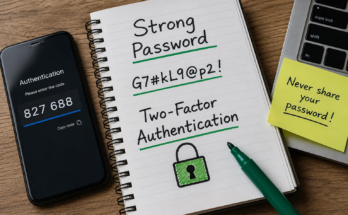
One of the biggest mistakes I used to make was using the same password for almost every account. It felt convenient because I could easily remember it. Unfortunately, convenience often comes at the cost of security.
Imagine one website suffers a data breach. If your password is the same everywhere, hackers can access your email, banking apps, shopping accounts, and social media within minutes.
Now I create a unique password for every important account. A strong password usually includes uppercase letters, lowercase letters, numbers, and symbols. More importantly, it should never contain personal information such as your name or birthday.
Using different passwords may seem difficult at first, but it quickly becomes a habit that provides peace of mind.
Enable Two Factor Authentication
One security feature I never ignore anymore is two factor authentication. This adds another verification step after entering your password.
Even if someone somehow discovers your password, they still need access to your verification code or authentication app before they can log in.
I have enabled two factor authentication on my email, social media, banking applications, and cloud storage. It only takes a few extra seconds during login, but it adds a powerful layer of protection.
Be Careful With Public Wi Fi
Free public Wi Fi is available almost everywhere including airports, hotels, restaurants, and shopping malls. While it may seem convenient, it is not always safe.
I used to connect to any available network without thinking twice. Later, I learned that some attackers create fake Wi Fi networks that look legitimate. Once connected, they may intercept your internet traffic.
Now I avoid accessing banking websites or entering sensitive passwords while using public Wi Fi. If I must use it, I rely on a trusted VPN service that encrypts my internet connection.
Being cautious with public networks has become a normal part of my routine.
Think Before Clicking Links
Phishing attacks have become incredibly convincing. I have received emails pretending to come from banks, online stores, and even delivery companies.
At first glance, they looked completely real.
Before clicking any link today, I pause for a moment. I check the sender’s email address carefully and look for spelling mistakes or suspicious requests.
If an email asks me to reset my password urgently or verify my account immediately, I never click the provided link. Instead, I open the official website manually through my browser.
This simple habit has probably saved me from several phishing attempts.
Keep Your Software Updated
Software updates used to annoy me. Whenever my phone or computer displayed an update notification, I postponed it for days.
Later, I discovered that many updates fix security vulnerabilities that hackers actively exploit.
Now I allow automatic updates whenever possible. My operating system, browser, antivirus software, and mobile apps stay updated without much effort.
Keeping software current is one of the easiest ways to strengthen online security.
Review App Permissions Regularly
Many mobile applications request permissions that have nothing to do with their actual purpose.
For example, a simple flashlight app does not need access to your contacts or microphone.
I now review app permissions every few months. If an application requests unnecessary access, I disable those permissions or uninstall the app completely.
Giving apps only the permissions they truly need helps reduce unnecessary data collection.
Limit What You Share on Social Media
There was a time when I shared almost everything online. Vacation photos, birthdays, family events, and even my location were posted publicly.
Looking back, I realize how much personal information I was giving away.
Now I share less and think more before posting. I avoid revealing my home address, travel plans, financial information, or personal documents.
Even something as simple as posting that you are away on vacation can unintentionally inform strangers that your home is empty.
Privacy begins with being selective about what you choose to share.
Shop Only on Trusted Websites
Online shopping has become part of everyday life, but not every website deserves your trust.
Before making any purchase, I check whether the website uses HTTPS encryption. I also read customer reviews and verify that the store appears legitimate.
If a deal looks unbelievably cheap, I become even more cautious. Scammers often attract victims with unrealistic discounts.
I also prefer using secure payment methods instead of directly entering debit card information on unknown websites.
Taking a few extra minutes before buying something online is well worth the effort.
Secure Your Email Account
Your email account is often the key to your digital life.
If someone gains access to your email, they may reset passwords for many other accounts.
That is why I protect my email with a strong password and two factor authentication. I also review login activity occasionally to ensure there are no unfamiliar devices connected.
Whenever I receive suspicious emails, I delete them instead of interacting with them.
Protecting your email should always be a top priority.
Backup Important Data
Data loss does not always happen because of hackers. Hardware failure, accidental deletion, or malware can also destroy valuable files.
I learned this lesson after losing important documents because my laptop suddenly stopped working.
Now I regularly create backups using both cloud storage and an external hard drive.
Knowing that my photos, documents, and personal files are safely backed up gives me tremendous peace of mind.
Use Reliable Antivirus Protection
Although modern operating systems include built in security features, I still believe antivirus software provides additional protection.
A good antivirus program helps detect malware, ransomware, and suspicious downloads before they cause damage.
I also perform regular scans instead of assuming everything is safe.
Cyber threats evolve constantly, so having updated security software is an important part of staying protected.
Watch Out for Fake Websites
Some fake websites are nearly identical to legitimate ones.
The logo, colors, and design may all look authentic while the actual web address contains tiny differences.
Whenever I visit a website that requires personal information, I carefully examine the URL before entering any details.
Typing the website address manually is often safer than clicking random links from emails or social media posts.
Delete Old Accounts You No Longer Use
Over the years, I signed up for countless websites and forgot about most of them.
Many inactive accounts still contain personal information including email addresses, phone numbers, and payment details.
Now I occasionally review old accounts and permanently delete those I no longer use.
Reducing the number of active accounts also reduces the number of potential security risks.
Learn to Recognize Online Scams
Scammers are becoming increasingly creative.
Some pretend to offer lottery prizes. Others promise investment opportunities with guaranteed profits. Some even impersonate family members asking for urgent financial help.
Whenever I encounter offers that create pressure or seem too good to be true, I stop and investigate before taking any action.
Scammers often rely on emotions rather than logic.
Taking a moment to think clearly can prevent serious financial loss.
Protect Your Mobile Device
Our smartphones contain an incredible amount of personal information.
They store emails, banking apps, photos, contacts, passwords, and even payment methods.
I always use a screen lock with fingerprint or facial recognition. I also enable the feature that allows me to locate or erase my phone remotely if it is ever lost.
These small precautions significantly improve mobile security.
Regularly Review Your Privacy Settings
Every social media platform, browser, and online service includes privacy settings.
I used to ignore them completely.
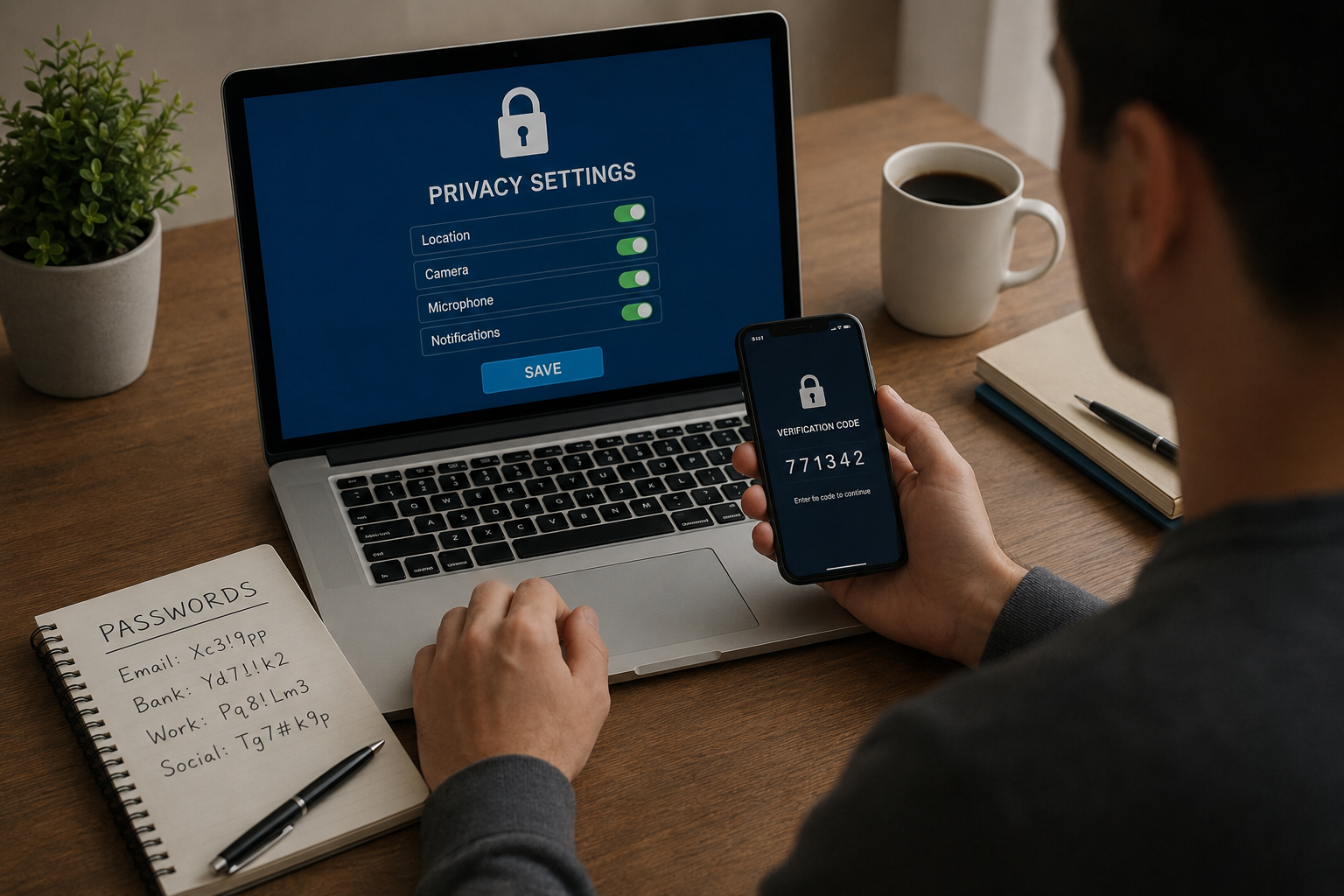
Now I spend a little time reviewing these settings whenever I create a new account.
I usually disable unnecessary tracking features, limit who can view my profile, and reduce personalized advertising whenever possible.
It only takes a few minutes, but it gives me much greater control over my personal information.
Stay Informed About New Threats
Cybersecurity is constantly changing.
New scams appear every year, and hackers develop new techniques to trick internet users.
I make it a habit to read technology news and learn about emerging threats.
You do not need to become an expert, but staying informed helps you recognize suspicious activity before it becomes a problem.
Continuous learning is one of the best long term defenses against cybercrime.
Conclusion
Protecting personal data online is not about living in fear. It is about building smart habits that become part of everyday life. I have learned that no single security tool can guarantee complete protection. Instead, safety comes from combining several good practices together.
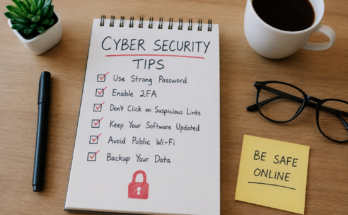
Using strong passwords, enabling two factor authentication, keeping software updated, limiting personal information on social media, avoiding suspicious links, and regularly reviewing privacy settings have all become normal parts of my routine. None of these habits require advanced technical knowledge, yet together they provide a much stronger defense against online threats.
The internet offers incredible opportunities for learning, communication, shopping, and entertainment. By taking responsibility for our digital security, we can enjoy all these benefits while greatly reducing the risks. From my own experience, I can confidently say that investing a little time in protecting your personal data today can save you from significant stress and loss in the future.