Introduction
Buying a laptop sounds simple until you actually start looking at the options. I still remember the first time I wanted to buy a laptop. I thought I would just pick the one with the biggest screen and the highest price because I believed expensive always meant better. After spending weeks using it, I realized I had made the wrong decision. It was heavy to carry, the battery did not last long, and I was paying for powerful features I never even used.
That experience taught me an important lesson. The perfect laptop is not the most expensive one. It is the one that matches your personal needs. Everyone uses a laptop differently. A student has different requirements than a graphic designer. A gamer needs something completely different from a business professional.
Over the years, I have used several laptops for work, study, entertainment, and travel. Every purchase helped me understand what truly matters and what is simply marketing. In this guide, I will share everything I have learned so you can confidently choose the perfect laptop without wasting your money.
Start by Understanding Your Needs
The biggest mistake many people make is shopping before understanding why they need a laptop.
Whenever someone asks me for buying advice, my first question is always simple.
“What will you use it for?”
The answer usually makes the decision much easier.
If you mainly browse websites, watch YouTube, send emails, and use Microsoft Office, you do not need a high performance machine.
If you edit videos, create graphics, or work with professional software, your laptop needs much stronger hardware.
Students usually need something lightweight with excellent battery life because they carry it between classes.
Business users often prioritize security, reliability, and comfortable keyboards.
Gamers focus on graphics performance and high refresh rate displays.
Understanding your daily routine helps eliminate hundreds of unnecessary options.
Set a Realistic Budget
A budget helps narrow down your choices quickly.
I have seen people spend far more than necessary because they believed extra features would somehow become useful in the future. In reality, technology changes so quickly that buying far beyond your needs rarely makes financial sense.
Generally, laptop prices fall into different categories.
Entry level laptops are perfect for everyday tasks.
Mid range laptops offer better speed, stronger build quality, and longer lifespan.
Premium laptops provide excellent displays, faster processors, premium materials, and advanced features.
Think of your laptop as an investment rather than just another gadget. Spending a little more for quality can save you from replacing it too soon, but overspending on features you never use is equally wasteful.
Choose the Right Operating System
The operating system affects your overall experience more than many people realize.
Windows laptops offer the widest variety of hardware and price options. They are compatible with most software and are suitable for gaming, office work, education, and creative projects.
MacBooks provide a smooth experience, excellent battery life, and strong performance. They are especially popular among content creators, programmers, and professionals who already use other Apple devices.
ChromeOS laptops focus on web based tasks. They are simple, affordable, and ideal for students or users who mostly work online.
Personally, I always recommend choosing the operating system you already feel comfortable using because learning a completely new system takes time.
Select the Right Processor
The processor acts as the brain of your laptop.
When I purchased my first laptop, I completely ignored the processor because I did not understand its importance. Later I realized it affects almost everything from speed to multitasking.
Modern Intel Core i5 and AMD Ryzen 5 processors are excellent choices for most users.
If you mainly browse the internet and work on documents, an Intel Core i3 or AMD Ryzen 3 is usually enough.
For demanding tasks like video editing, programming, and professional design, Intel Core i7, Intel Core Ultra, AMD Ryzen 7, or even higher models provide better performance.
The newest processor is not always necessary. A slightly older but higher quality processor often performs better than a newer entry level chip.
Never Ignore RAM
RAM determines how many applications your laptop can comfortably handle at once.
I learned this after using a laptop with only 4GB of memory. Opening multiple browser tabs slowed everything down.
Today, I recommend at least 8GB of RAM for everyday users.
If your work involves editing videos, virtual machines, programming, or heavy multitasking, 16GB is a much better investment.
Professional creators may even benefit from 32GB depending on their workflow.
More RAM generally provides a smoother experience, especially if you plan to keep the laptop for several years.
Storage Makes a Huge Difference
Storage affects both speed and available space.
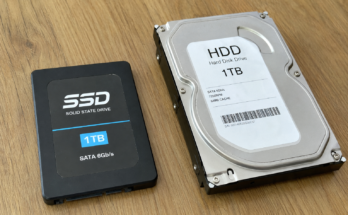
Older hard drives are much slower than modern solid state drives.
After switching to an SSD, I immediately noticed faster startup times, quicker software loading, and overall better responsiveness.
A 256GB SSD is enough for basic users who store most files online.
A 512GB SSD provides a comfortable balance for most people.
If you edit large videos, install many games, or keep thousands of photos, 1TB storage is worth considering.
Whenever possible, choose SSD storage instead of traditional hard drives.
Pick the Right Screen Size
Screen size directly affects comfort and portability.
Small laptops around 13 or 14 inches are lightweight and easy to carry throughout the day.
A 15.6 inch display offers a good balance between portability and workspace.
Large 16 or 17 inch laptops provide more screen space but become heavier for travel.
I travel frequently with my laptop, so I personally prefer a 14 inch model because it easily fits inside my backpack without feeling bulky.
Your choice should depend on where and how often you carry your laptop.
Display Quality Matters
Many buyers only focus on screen size, but display quality is equally important.
A Full HD resolution provides sharp images and comfortable reading.
IPS displays usually offer better colors and wider viewing angles than cheaper alternatives.
If you spend hours editing photos, watching movies, or working on documents, a quality display reduces eye strain and improves your overall experience.
Brightness is another important factor. Higher brightness makes outdoor use much easier.
Battery Life Should Match Your Lifestyle
Battery life became extremely important to me after spending several hours working in airports and coffee shops.
A laptop that lasts eight to twelve hours allows you to work without constantly searching for power outlets.
Manufacturers sometimes advertise unrealistic battery numbers based on light usage.
I always read independent reviews because they provide more realistic battery performance.
If you mostly work from home, battery life may not be your top priority.
If you travel frequently, it becomes one of the most important features.
Keyboard and Touchpad Experience
Many people overlook the keyboard until they start typing every day.
Since I write articles regularly, a comfortable keyboard makes a noticeable difference.
Keys should have good spacing, responsive feedback, and enough travel to reduce finger fatigue.
A large and accurate touchpad also improves productivity, especially when you are not using an external mouse.
If possible, visit a local store and type on different keyboards before making your final decision.
Consider Build Quality
A laptop is something you carry almost everywhere.
Strong build quality helps it survive daily use.
Metal bodies generally feel more durable than plastic ones, although some premium plastic laptops are also very reliable.
Check the hinge quality because weak hinges often become a problem after months of regular opening and closing.
A sturdy laptop gives you confidence that it will last for years.
Ports and Connectivity
Modern laptops often remove older ports to achieve thinner designs.
Before buying, think about the accessories you already own.
Useful ports include USB A, USB C, HDMI, headphone jack, and memory card readers.
If you connect external monitors or projectors regularly, having the right ports saves you from carrying multiple adapters.
Fast WiFi support and Bluetooth are also essential for smooth wireless connectivity.
Graphics Performance
Not everyone needs a dedicated graphics card.
Integrated graphics are perfectly suitable for office work, streaming, online learning, and everyday tasks.
If you play modern games, edit high resolution videos, create animations, or work with three dimensional software, a dedicated graphics card becomes important.
Buying a gaming laptop simply because it looks attractive is usually unnecessary unless you genuinely need the extra graphics power.
Read Reviews Before Buying
Specifications never tell the complete story.
I always spend time reading reviews from real users because they reveal issues that manufacturers rarely mention.
Sometimes a laptop has excellent hardware but suffers from overheating, poor speakers, noisy fans, or weak battery life.
Customer reviews often highlight long term reliability that official advertisements completely ignore.
Watching video reviews also helps you understand the laptop’s design, keyboard, display, and overall user experience.
Think About Future Needs
While you should not overspend, it is wise to think a few years ahead.
Software requirements increase over time.
Buying slightly better hardware today can extend the useful life of your laptop.
For example, choosing 16GB of RAM instead of 8GB may keep your laptop running smoothly for much longer.
This small investment often saves money in the long run.
Avoid Common Buying Mistakes
I have made enough mistakes to recognize the most common ones.
Do not buy a laptop simply because it looks attractive.
Do not assume expensive automatically means better.
Do not ignore battery life.
Do not purchase without checking reviews.
Do not focus only on processor speed while forgetting RAM and storage.
Most importantly, never rush your decision.
Taking an extra day to compare models is far better than regretting your purchase for years.
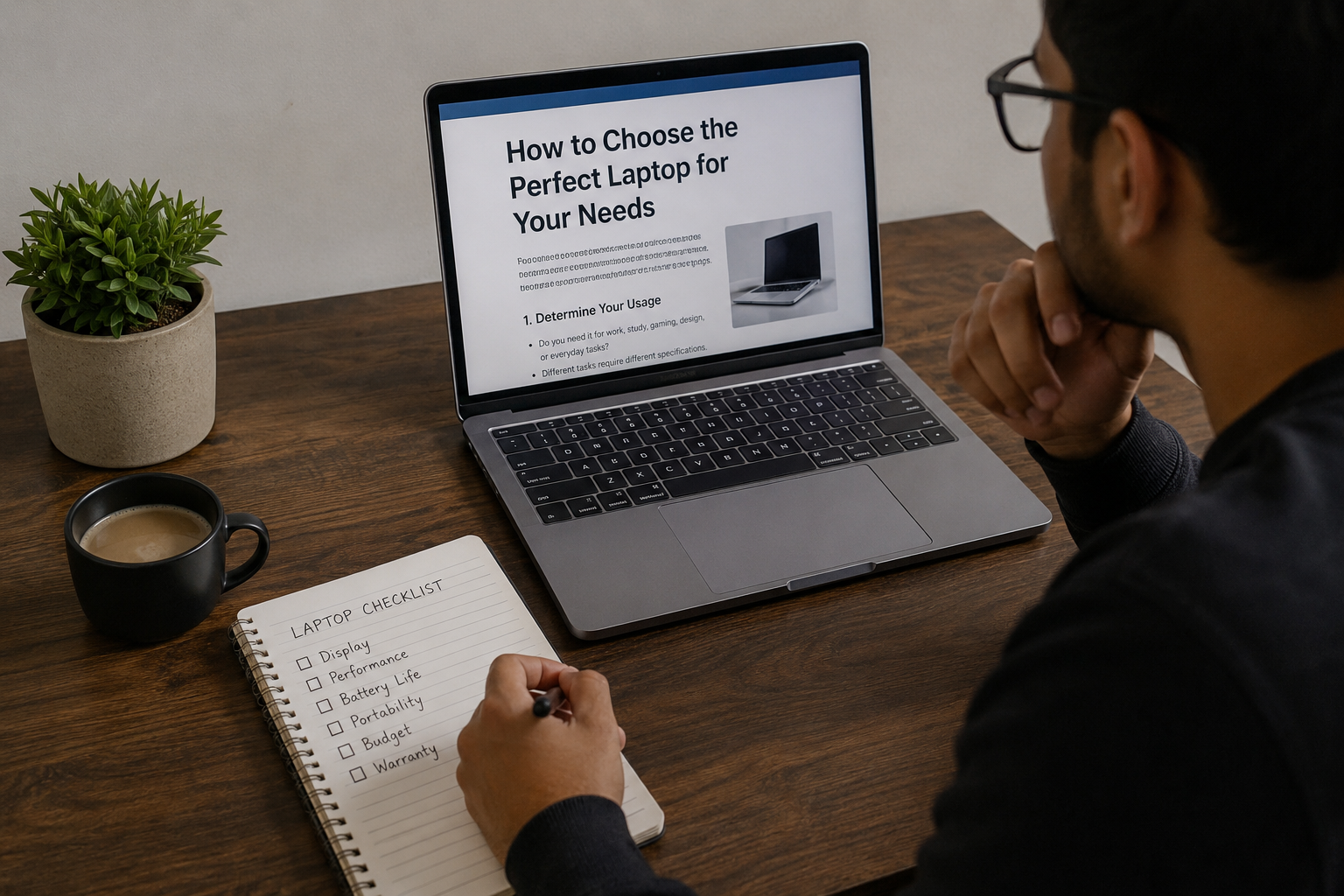
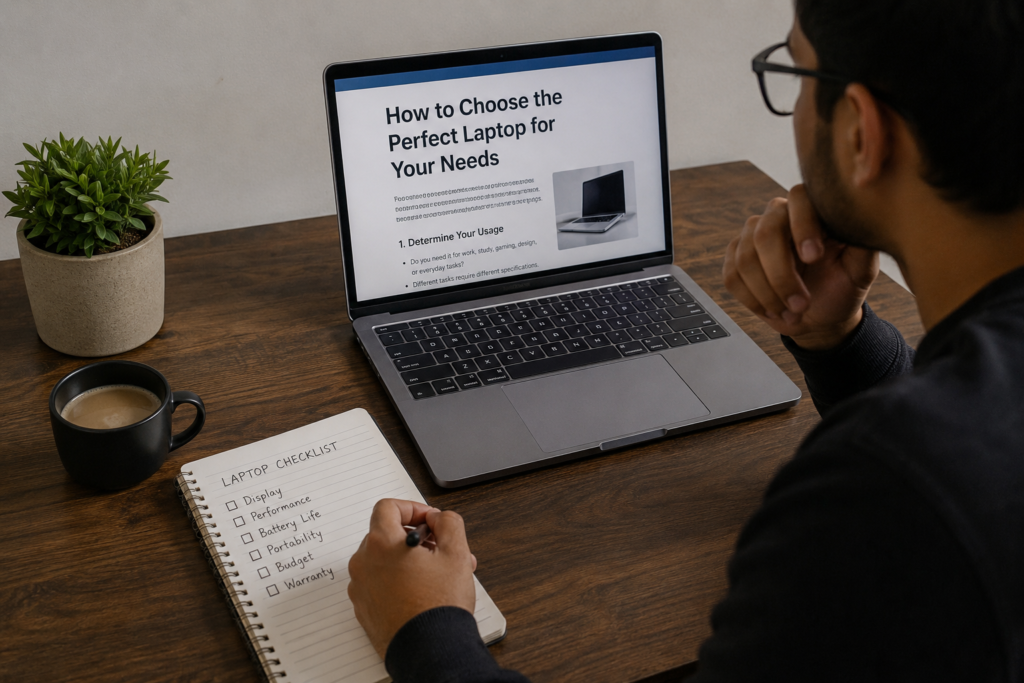
My Personal Buying Checklist
Whenever I shop for a new laptop, I follow a simple checklist.
First, I decide exactly how I will use it.
Next, I set a realistic budget.
Then I compare processors, RAM, storage, display quality, and battery life.
After that, I read customer reviews and watch hands on videos.
Finally, I compare warranty options and choose the laptop that offers the best overall value instead of the biggest list of features.
This process has helped me avoid costly mistakes and has always led me to a laptop that fits my daily routine.
Conclusion
Choosing the perfect laptop is not about buying the newest model or the one with the highest specifications. It is about finding a machine that fits your lifestyle, your work, and your budget.
From my own experience, taking the time to understand your needs before shopping makes the entire process much easier. A balanced laptop with a reliable processor, enough RAM, fast SSD storage, a quality display, and good battery life will serve you much better than an expensive device filled with features you never use.
Technology continues to evolve every year, but the best buying strategy remains the same. Focus on what truly matters to you, compare your options carefully, and choose a laptop that will make your daily tasks easier rather than more complicated. If you follow these principles, you will end up with a laptop that feels like the perfect companion for years to come.